Operator console
every page explained.
The console lives at /admin on your server. It changes what the app shows without a new release. Every change is written to an audit log.
01First sign-in and setup code
Flutter runs natively on Windows: use PowerShell for the flutter commands and Android builds (iOS builds need a Mac). For the server, either install Node.js 22.12+ for Windows and use PowerShell (replace cp .env.example .env with Copy-Item .env.example .env; there is no openssl by default, so use WSL or any random 64-character hex string), or run the commands in WSL 2 (Ubuntu) or Docker. macOS and Linux users can ignore this note.
- Start the server (Installation).
- Find the setup code. If
ADMIN_SETUP_TOKENis empty, the server prints a one-time setup code in its log at start. Look in the terminal, or rundocker logs <container>. If you setADMIN_SETUP_TOKENyourself, use that value. - Open
/adminand enter the code to create the owner account (email and a strong password). - Turn on two-factor sign-in for the owner in the console, as the console asks.
- Remove
ADMIN_SETUP_TOKENfrom.envonce the owner exists, and restart.
Without a session nothing in the console can be read or changed.
Try a read-only demo at loudline-demo.mikodes.com/admin. Email: demo@loudline.demo · Password: loudline-demo-c72c5c-2026 (read-only demo account)
02Console pages
| Page | What you do there |
|---|---|
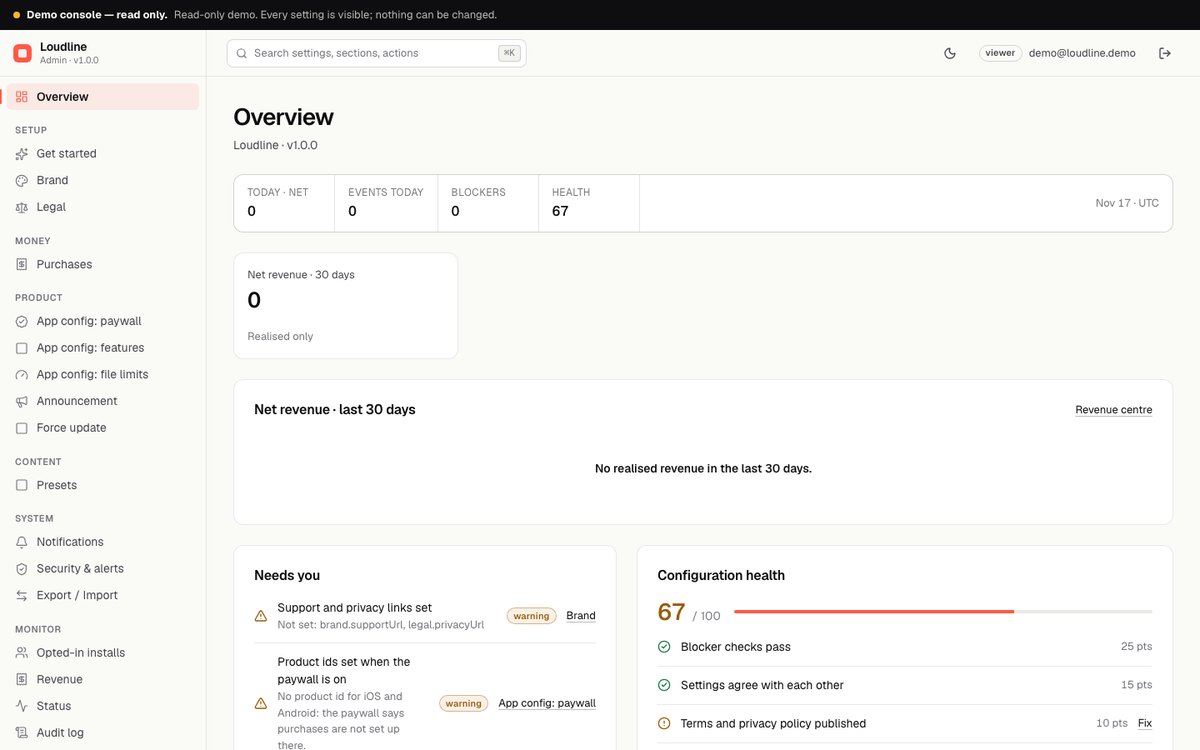
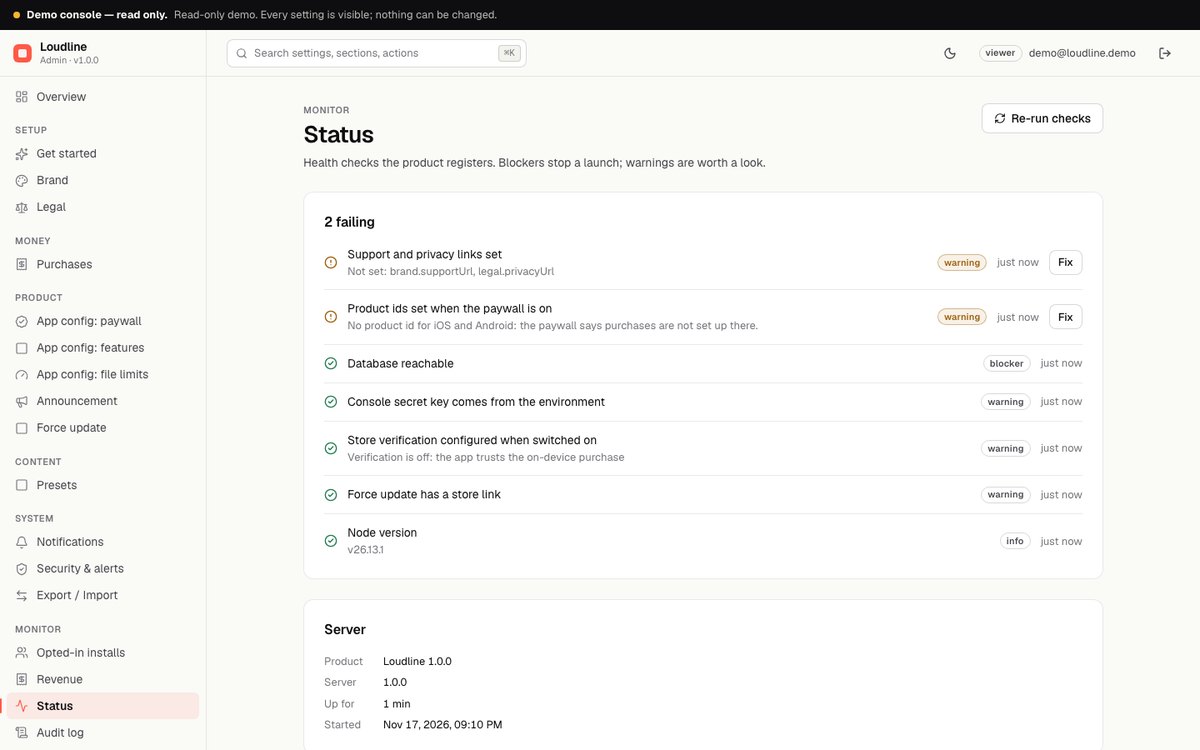
| Overview | Health checks and numbers at a glance. The checks warn when the console secret key does not come from the environment, support and privacy links are missing, product ids are missing while the paywall is on, store verification is switched on but not configured, or the force update has no store link. |
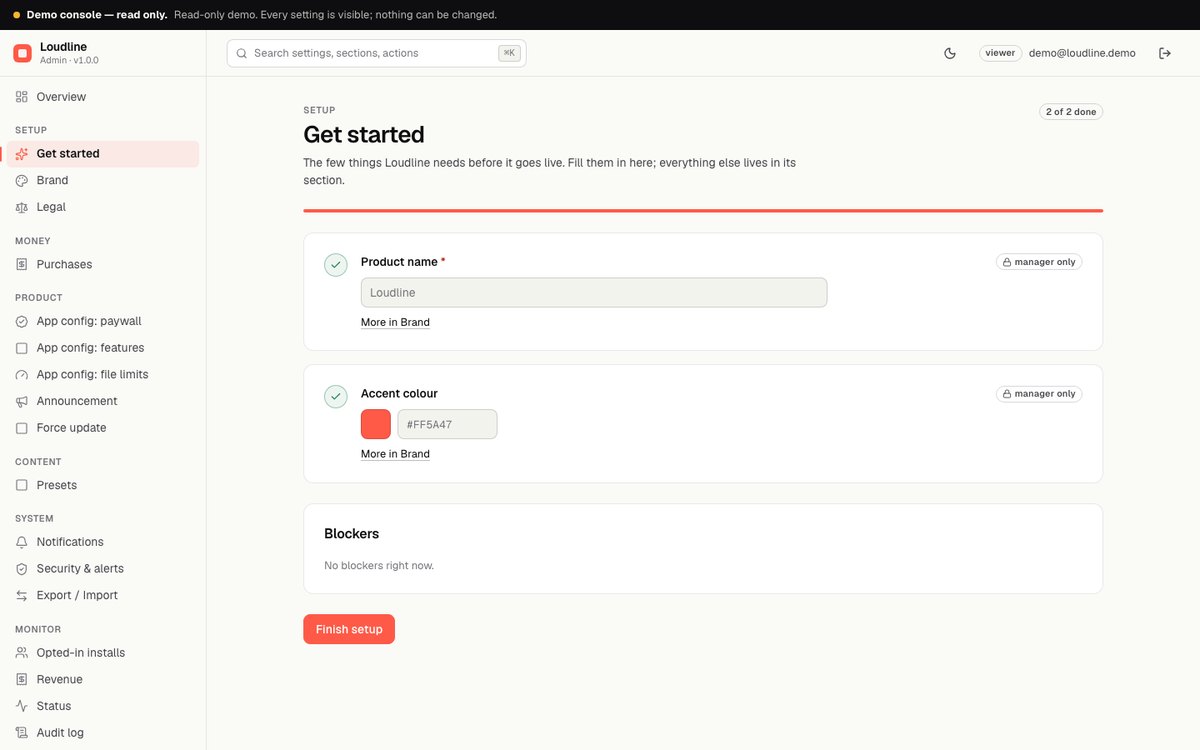
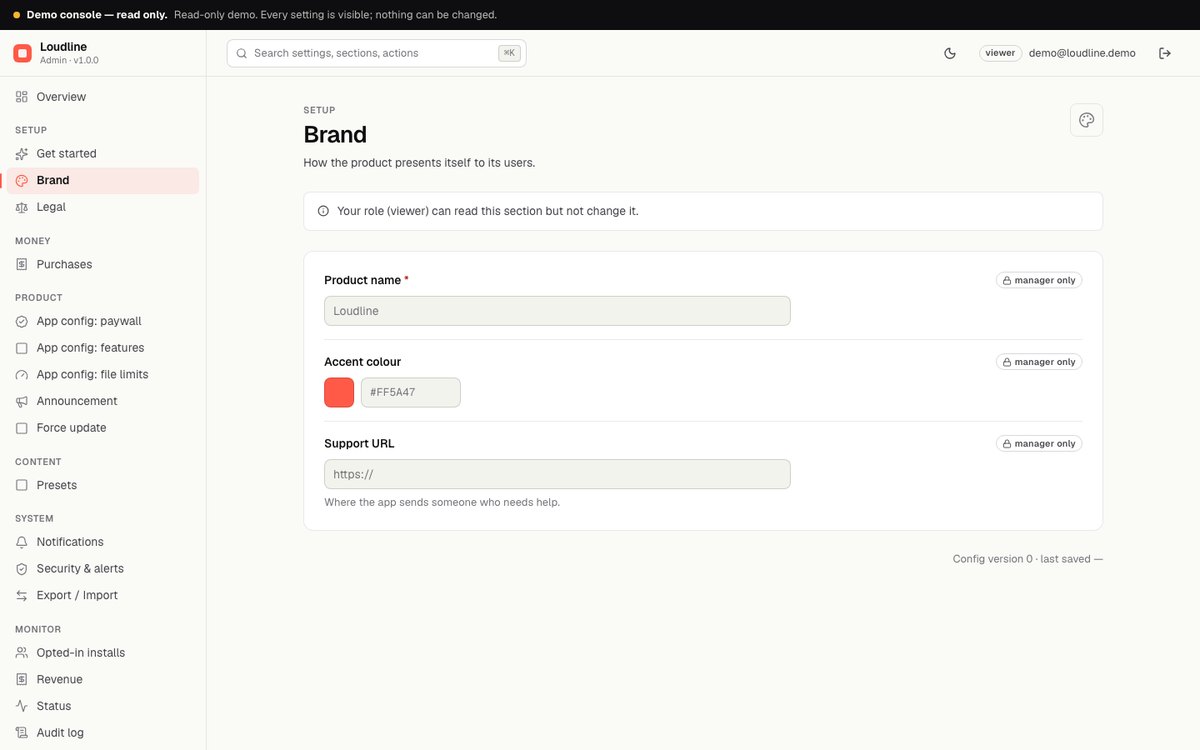
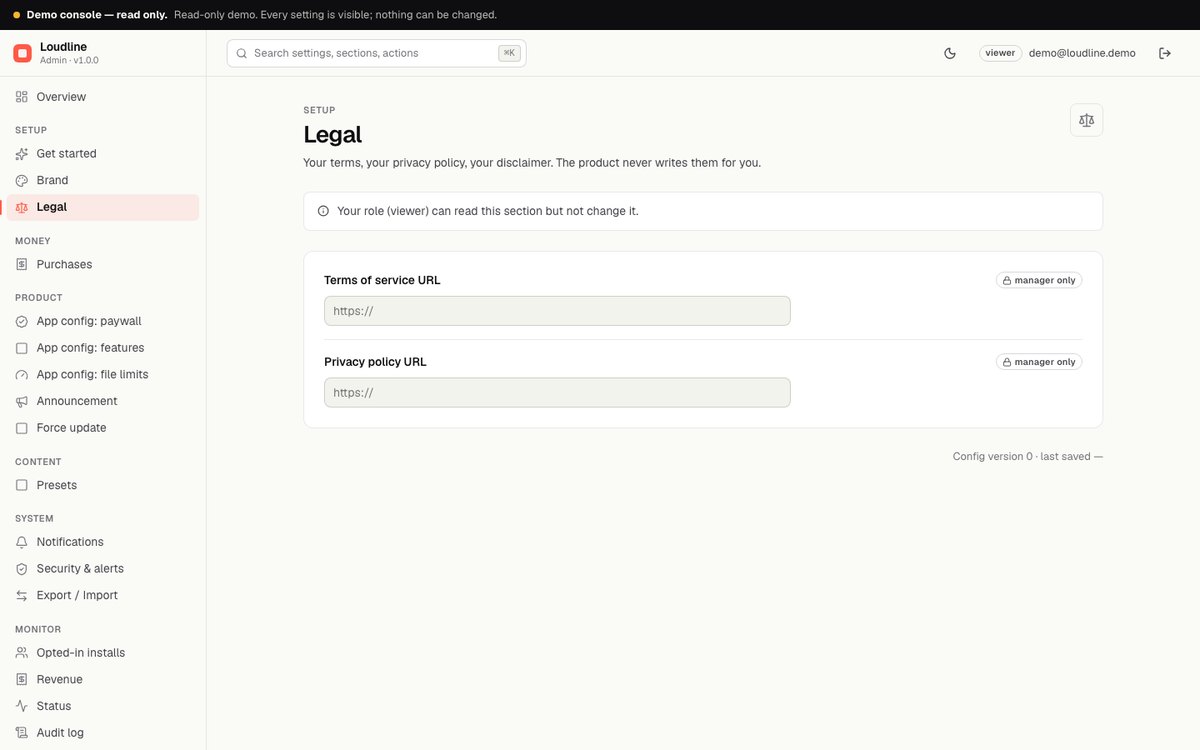
| Brand, Legal | App name, accent colour, support URL, and the privacy and terms URLs, sent to the app. |
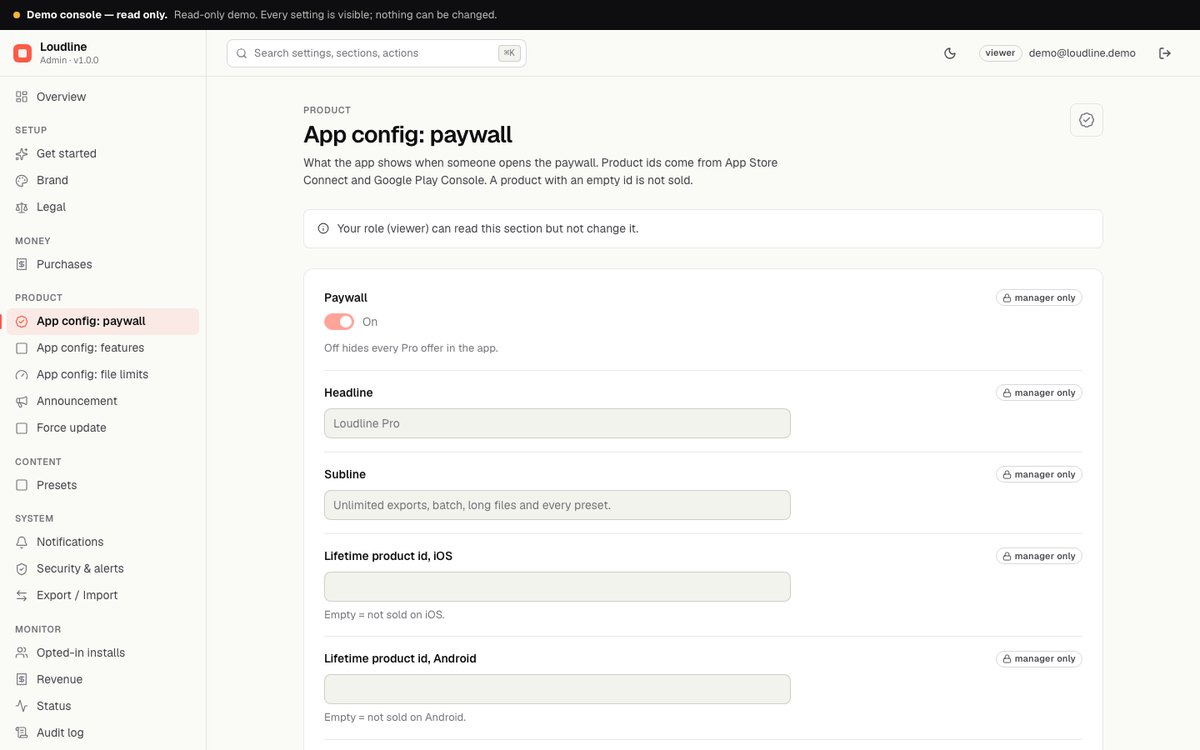
| App config: paywall | Paywall on/off, headline, subline, the four product ids (lifetime and yearly, iOS and Android), exports per day without Pro (default 3, 0 = none), the longest file without Pro in minutes (default 10, 0 = no extra limit) and "show paywall on launch after N days" (0 = never on launch). An empty id means that product is not sold. |
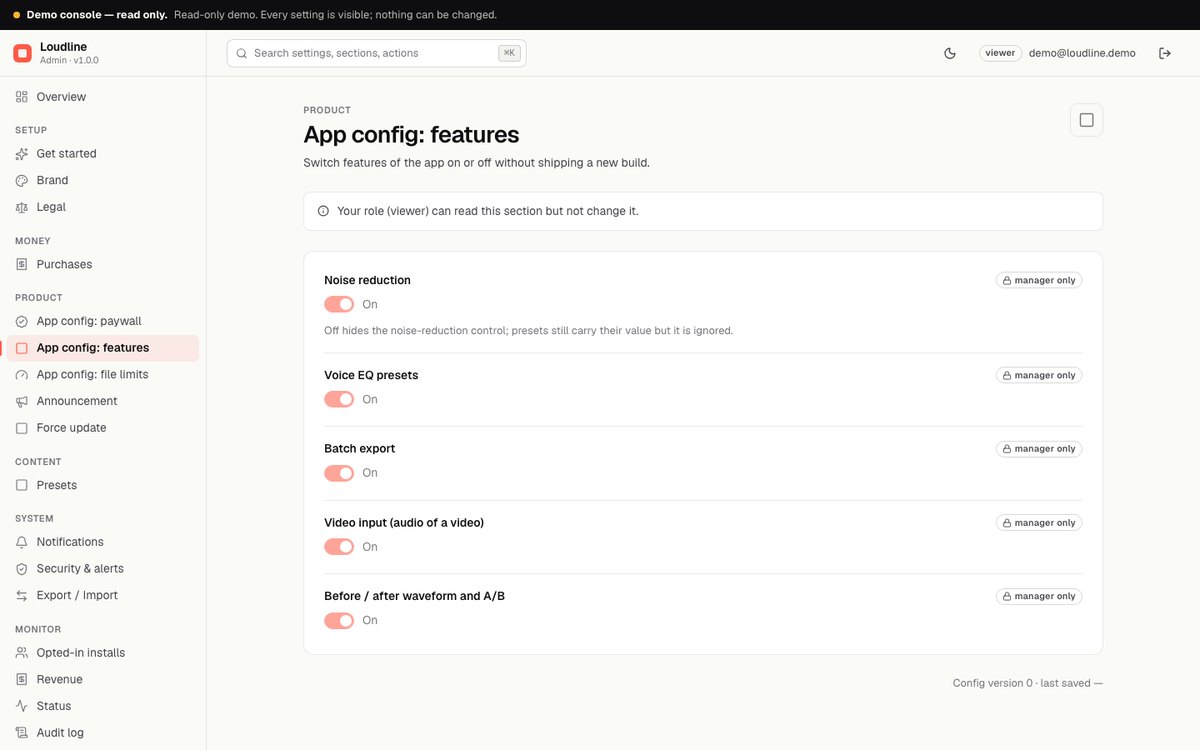
| App config: features | Switch on or off: noise reduction, tone presets (Voice EQ presets), batch export, video input, and the before/after waveform with A/B. |
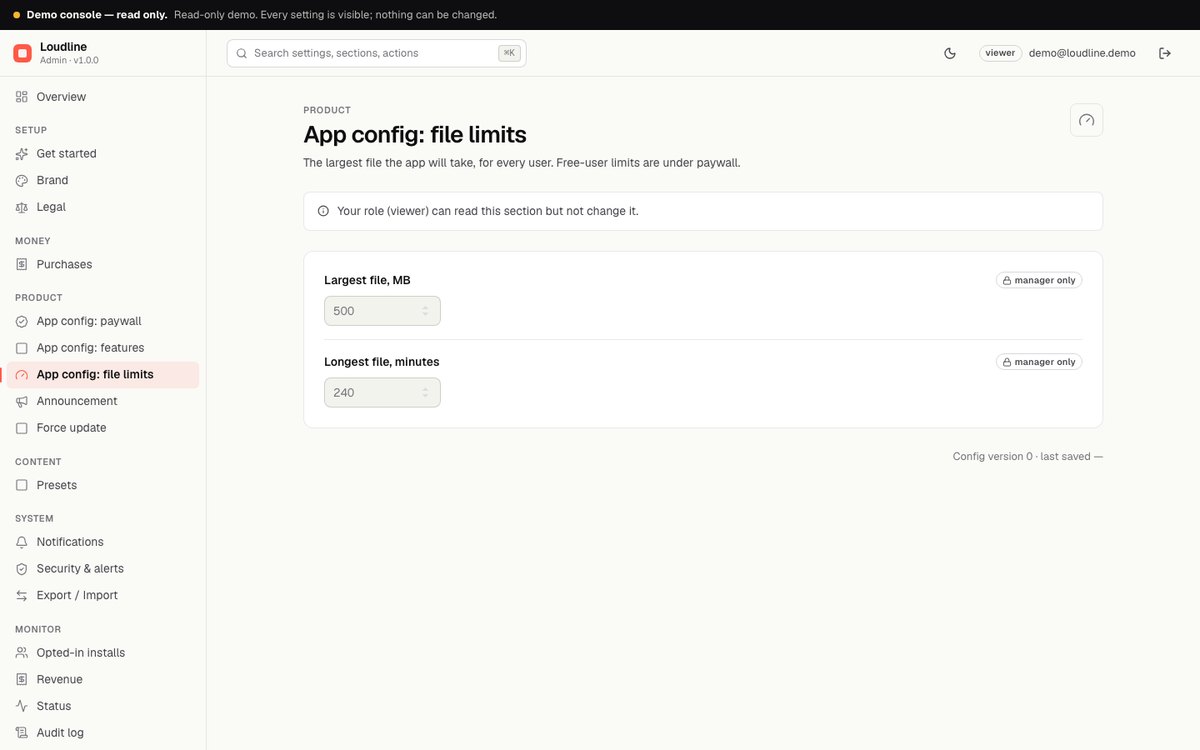
| App config: file limits | The largest file for every user: size (default 500 MB, 1 to 4096) and length (default 240 minutes, 1 to 1440). |
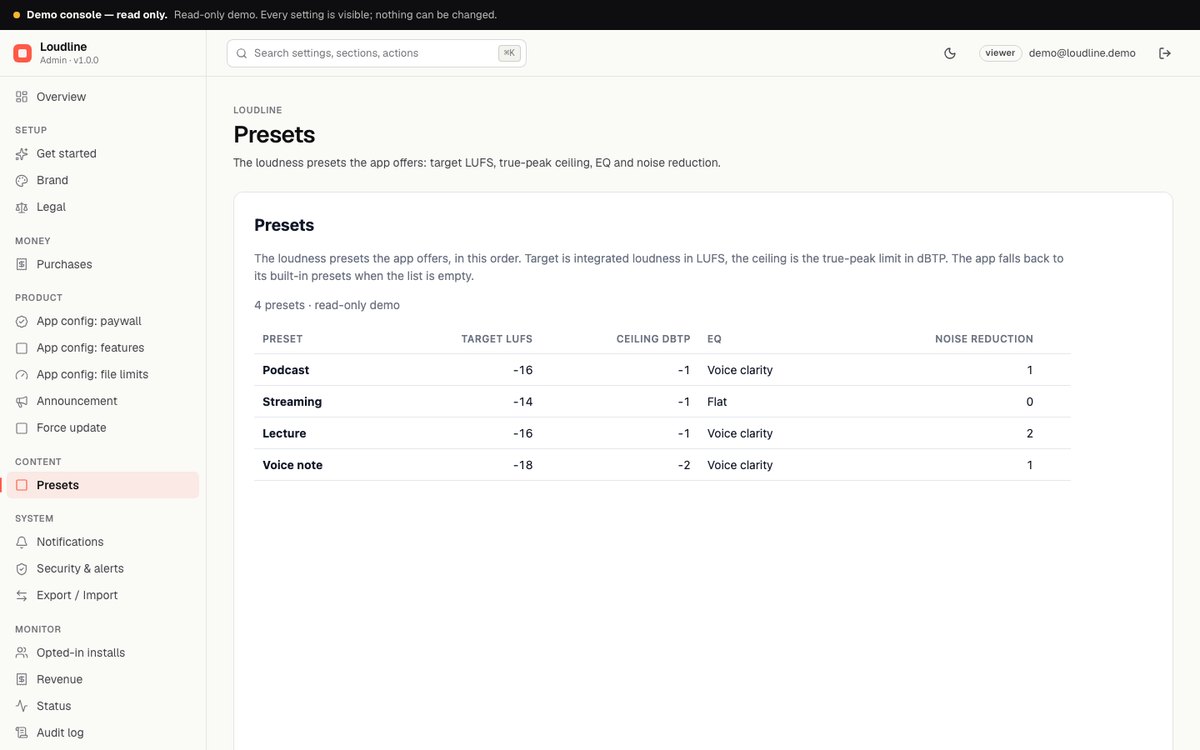
| Presets | The loudness presets the app offers. Each has a name, a target loudness from -30 to -5 LUFS, a true-peak ceiling from -6 to 0 dBTP, a tone preset (flat, voice, warm, bright) and a noise reduction level from 0 (off) to 3 (strong). They are checked when you save and appear in the app in the order you set. Four starter presets (Podcast, Streaming, Lecture, Voice note) are written once; delete them all and the app uses its built-in four. |
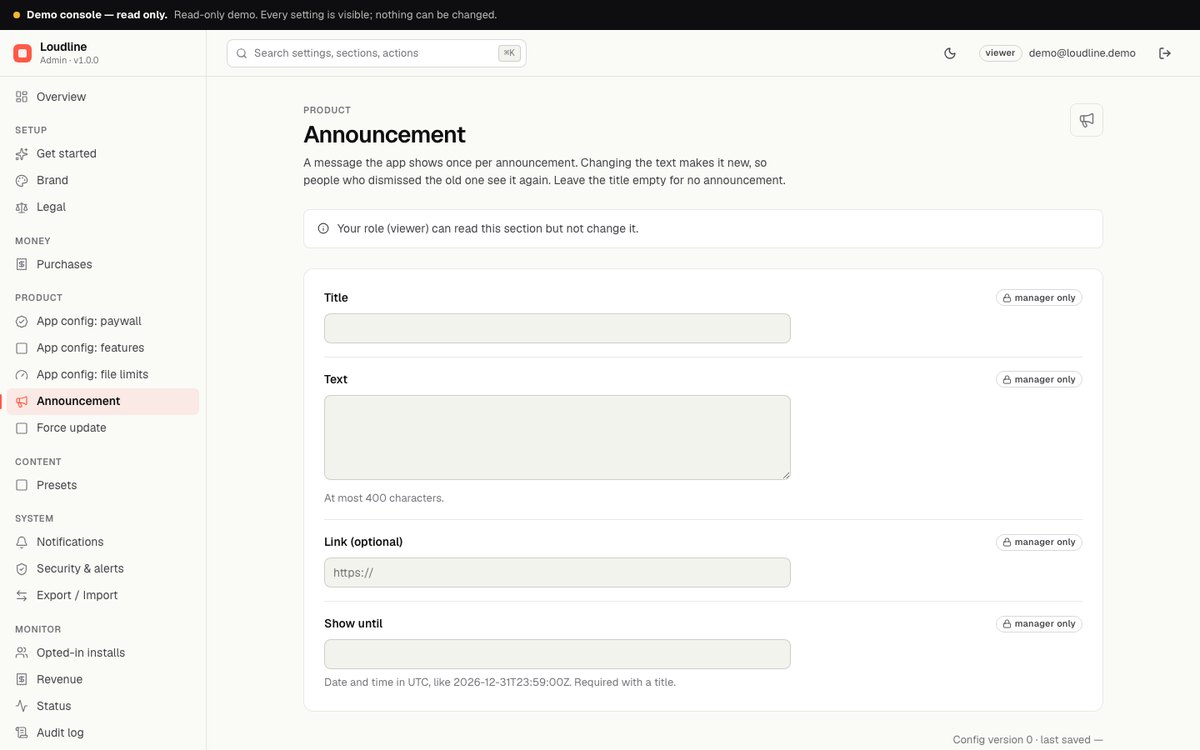
| Announcement | A message shown once per announcement. Title, text (at most 400 characters), optional link, and a "show until" time in UTC like 2026-12-31T23:59:00Z. Editing the text makes it new, so people who dismissed the old one see it again. Empty title = no announcement. |
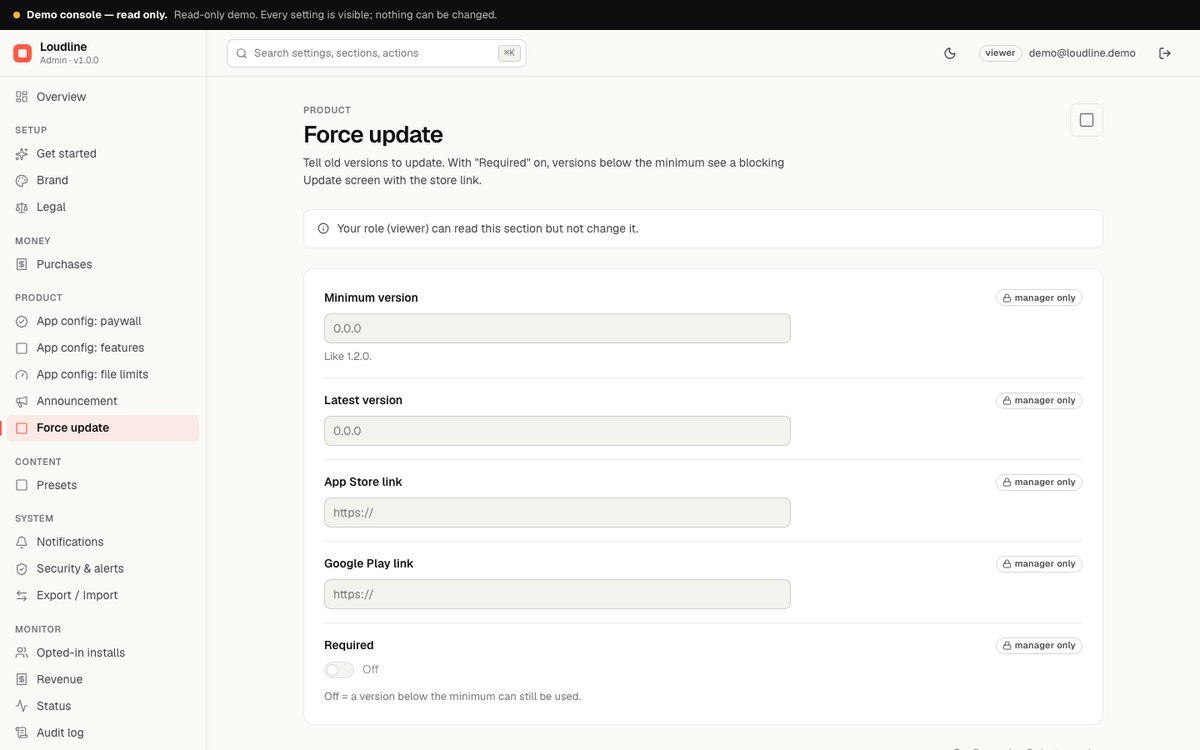
| Force update | Minimum version, latest version, App Store and Google Play links, and "Required". With Required on, versions below the minimum see a blocking Update screen with the store link. |
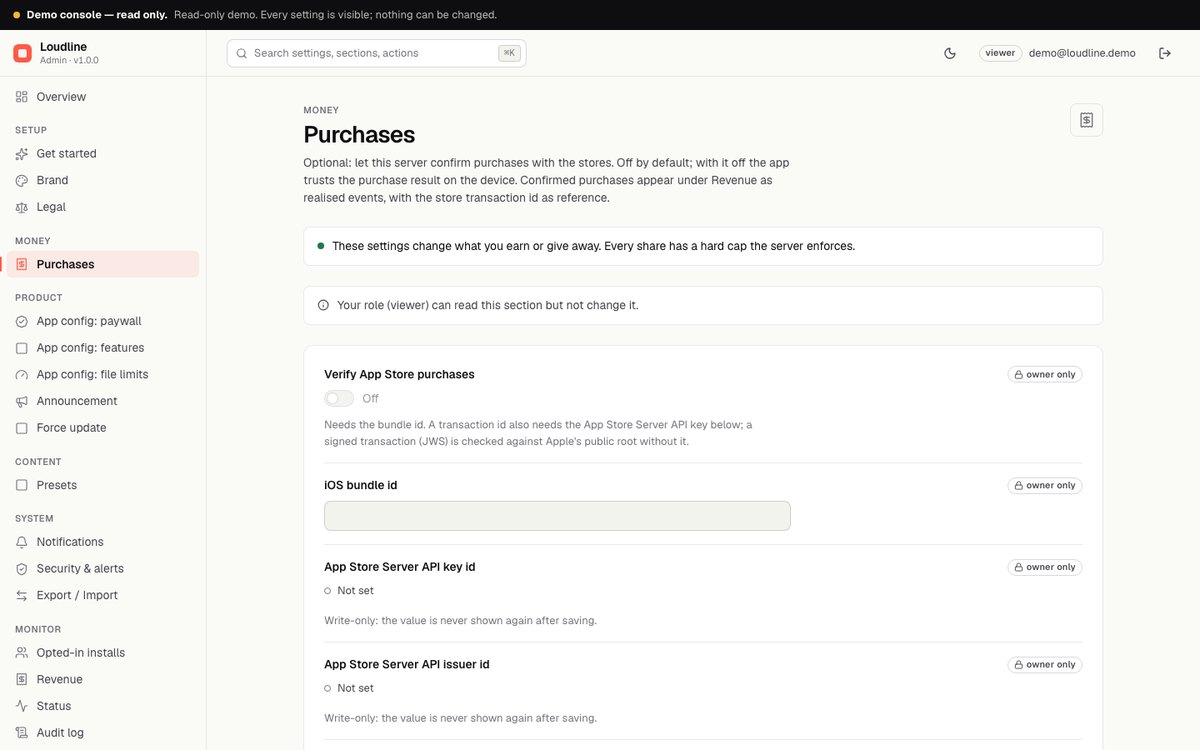
| Purchases | Optional store verification. See Purchase verification. |
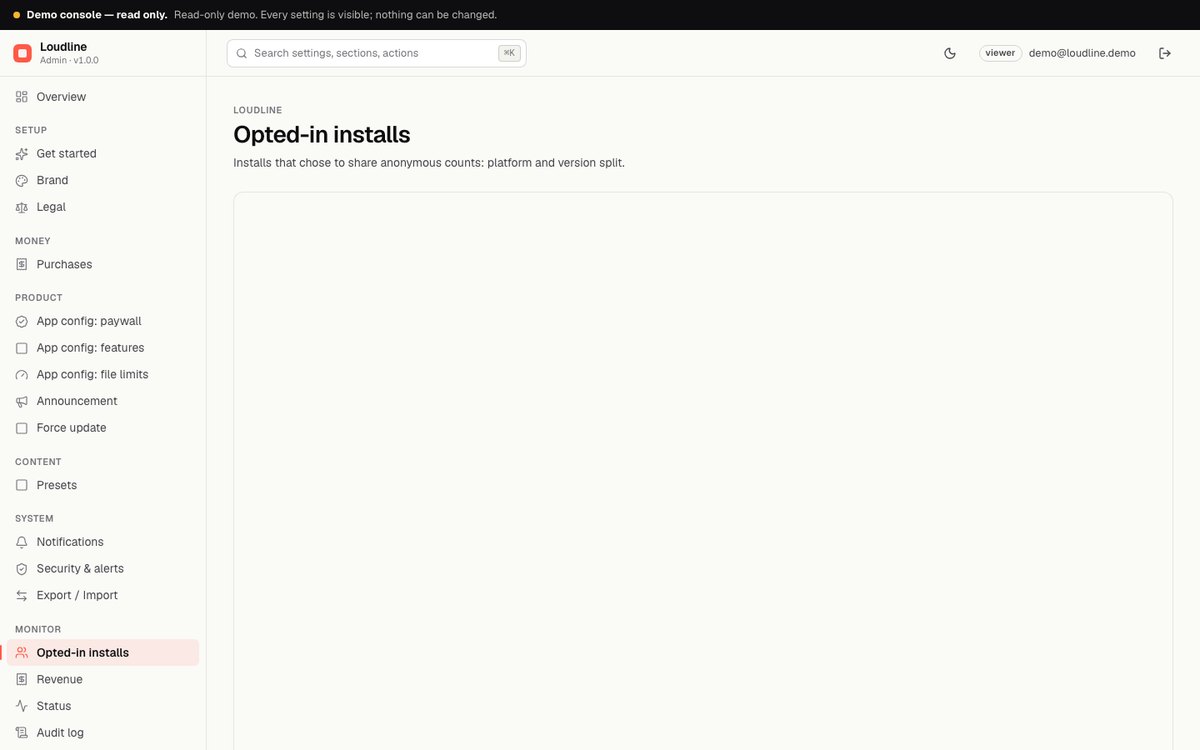
| Opted-in installs | Counts from people who enabled usage counts: active 1, 7 and 30 days, Pro share, Android and iOS split. These are only the people who opted in, so they are lower than your real total. |
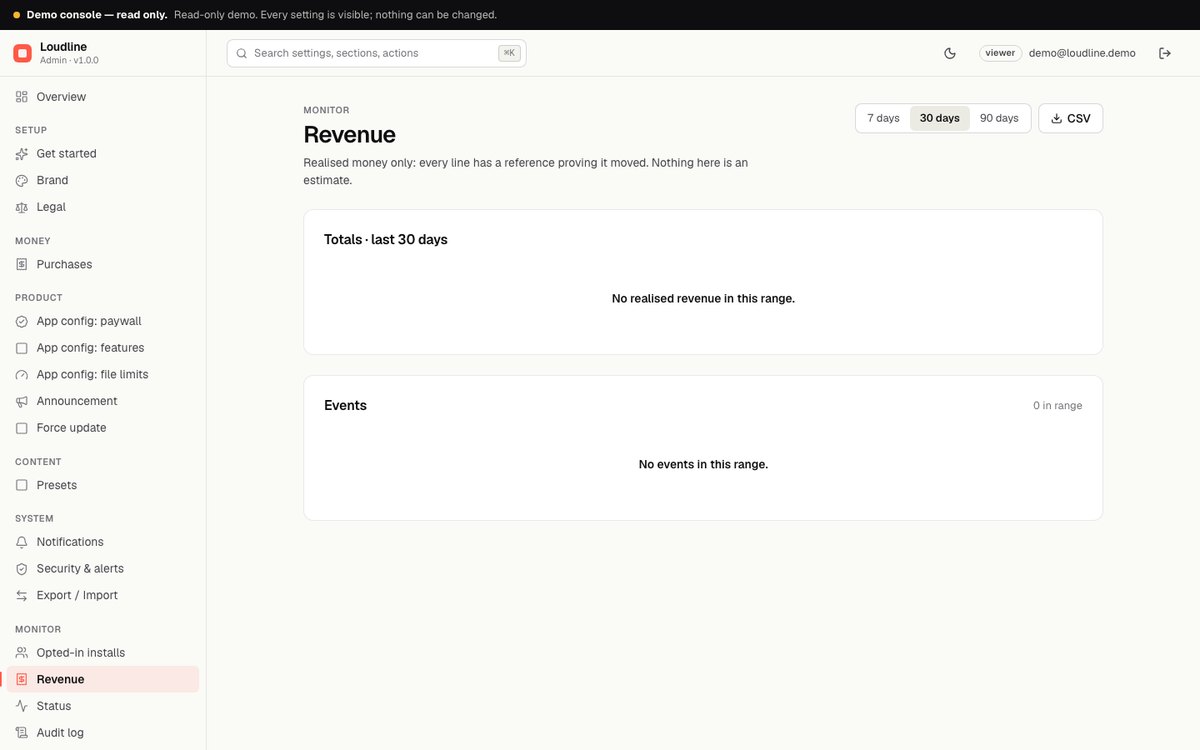
| Revenue | Verified store purchases, shown as gross price (before store fees and tax). The amount shows as unknown when the store does not report it. Sandbox and test purchases are verified but not recorded. |
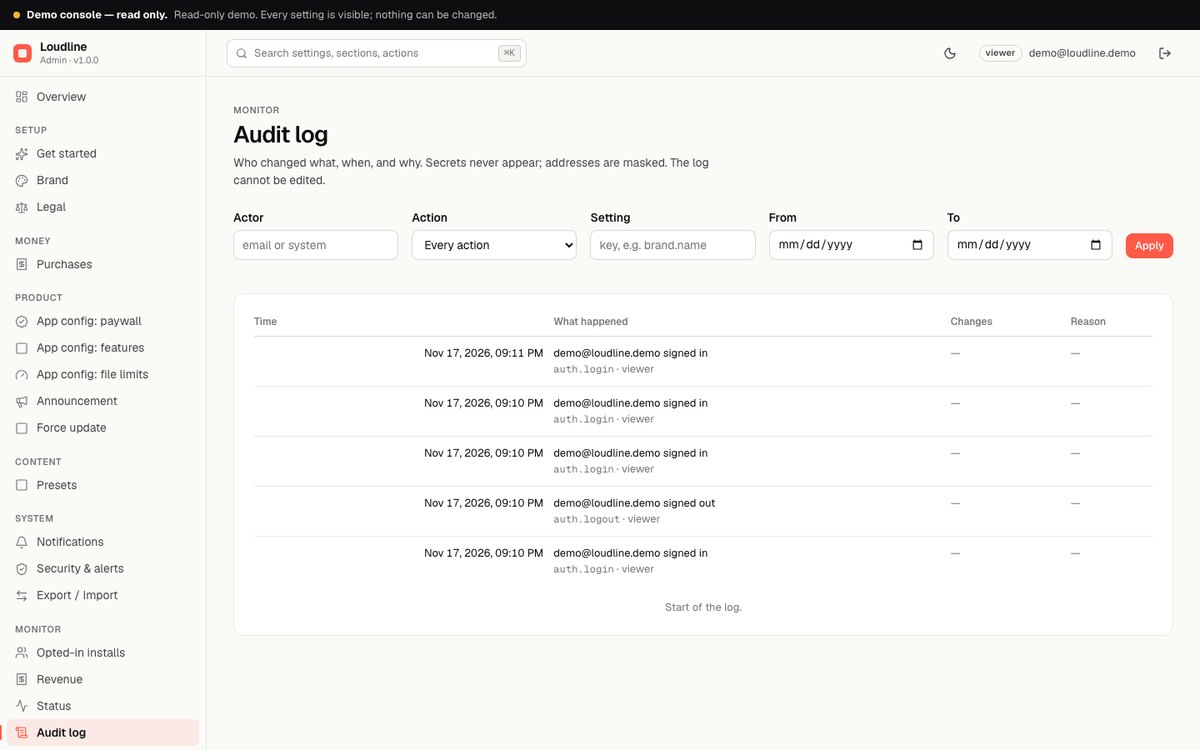
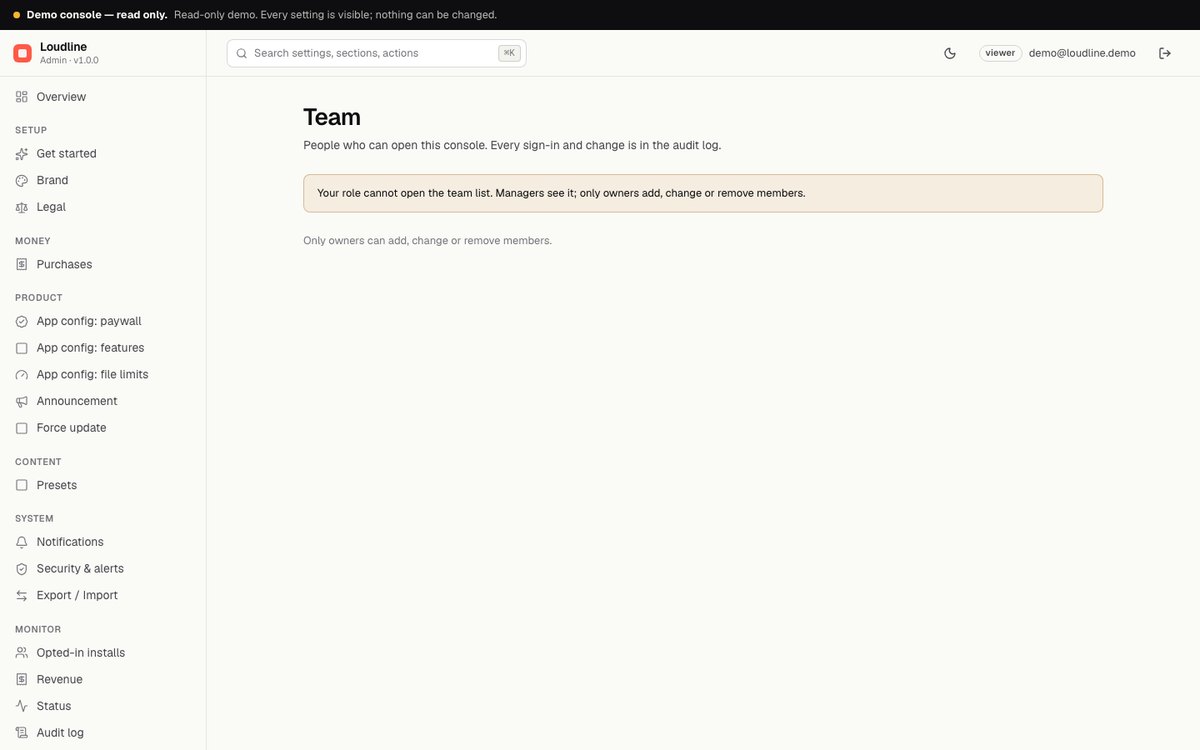
| Status, Audit, Team, Export / Import | Server status; the log of every change; invite and manage team members with roles; import and export of settings. |
Changes reach phones within about five minutes (the config is cached for 5 minutes). People who are offline keep the last copy they saved.
03Screenshots
Captured from the read-only demo console of the shipped server. Fields are empty or show defaults because no product ids or store keys ship with the item.